
You can own a PS5 Pro, an Xbox Series X and a brand-new telly and still not be getting everything your console has to offer. The reason is simple: some settings aren't switched on by default, and that's assuming you've plugged the thing into the right HDMI port in the first place. With games looking more impressive than ever, it would be a shame to miss out on features that can transform how a game looks and feels. Sony France has just shared five tips for optimising your setup and, while the manufacturer naturally takes the opportunity to plug its BRAVIA TV range, most of this advice applies just as well to other brands.
The 5 settings worth knowing about
1. Check whether your TV supports 120 Hz and VRR
If your TV handles 4K at 120 Hz, be aware that some games can run at up to 120 frames per second. VRR (Variable Refresh Rate), meanwhile, syncs the TV's refresh rate with the number of frames the console is putting out, cutting down on screen tearing and stutter. There's also ALLM, which lets the TV switch to Game mode automatically.
2. Plug your console into the right HDMI port
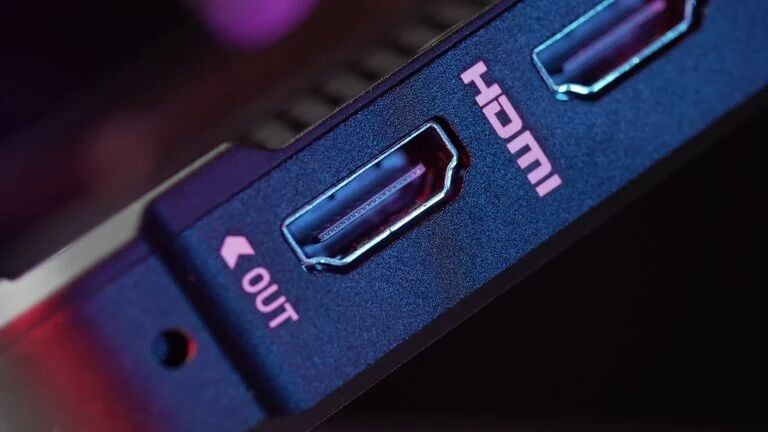
It might sound obvious, but not every HDMI socket on a TV offers the same performance. To enjoy 4K at 120 Hz, go for a compatible HDMI 2.1 port and use an Ultra High Speed certified cable, like the one that comes with the PS5. It's also worth checking in your TV's settings that the enhanced HDMI format is switched on.
3. Switch on "Game" mode
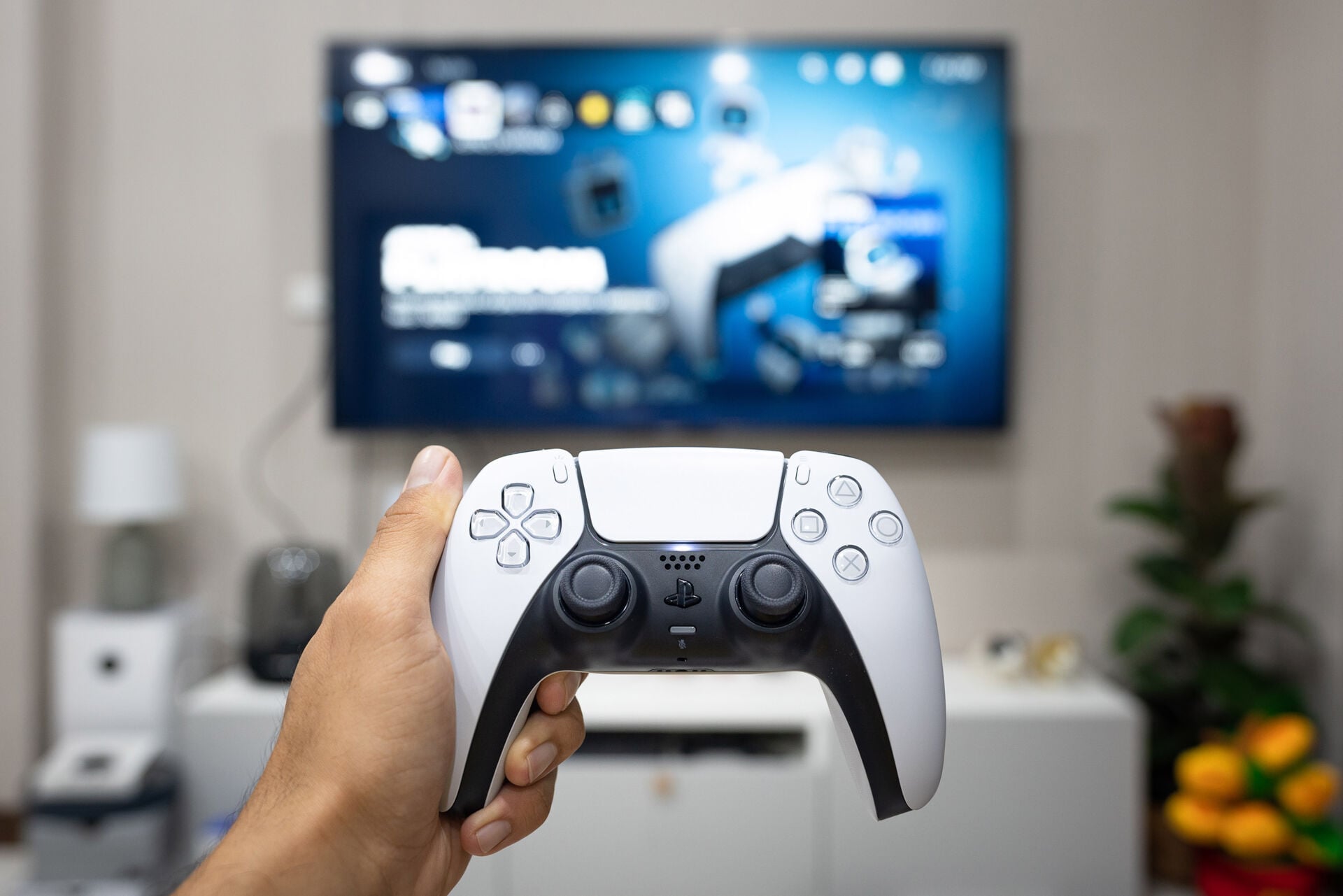
If you sometimes feel your character reacts with a slight delay when you press a button on the pad, the culprit may well be your TV. Certain image processing features increase what's known as input lag. Game mode cuts that latency down, and it makes a real difference in fighting games, shooters and racers.
4. Take the time to calibrate HDR
This is probably one of the most underrated settings out there. Badly calibrated HDR can leave you with a washed-out picture, crushed blacks or bright areas where you lose huge amounts of detail. So spend a few minutes running the HDR calibration directly from your console's settings, once you've selected the picture mode you actually play in.
5. Make the most of your TV's own features
If you've got a PS5 or PS5 Pro paired with a Sony BRAVIA TV carrying the "Perfect for PlayStation 5" label, you get automatic HDR adjustment based on what your screen can actually do. The TV can also switch picture mode depending on whether you're playing a game or watching a film. These features are available on several BRAVIA models, as well as on TVs fitted with the Cognitive XR processor.
So before you start thinking about buying a new TV to get more out of your console, have a dig around in the settings of the setup you already own. You might be surprised how much a handful of tweaks, which take all of a few minutes, can transform your gaming experience without costing you a penny. Just saying.